INSTALL
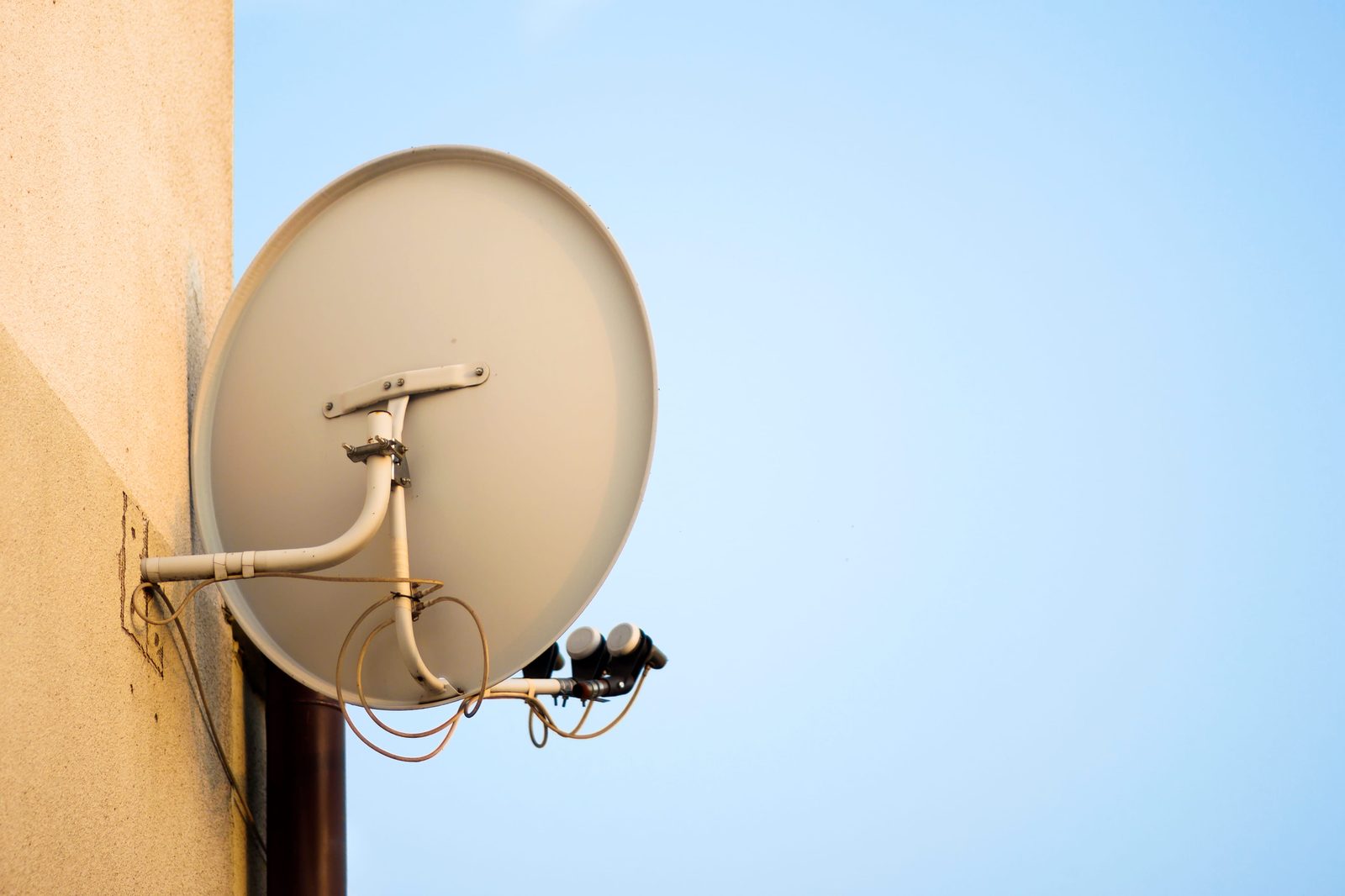
What OpenView is, and who actually runs it
OpenView is a free-to-air satellite television platform operated by Platco Digital. Platco sits inside the eMedia group — the same stable as e.tv — and eMedia Holdings’ audited financial statements record Hosken Consolidated Investments as the ultimate holding company.
That matters less for the technology than for what you can expect from it: this is an established broadcaster with a published channel line-up and a documented activation process, not a grey-market workaround.
The platform carries, in OpenView’s own words, "over 20 channels + 28 radio channels", including SABC 1, 2 and 3 and e.tv in HD. We are deliberately not publishing a precise channel count, because the official figure is stated as a range and line-ups change.
The one-off cost model, and why it changes the calculation
OpenView is unusual in the South African market because there is no monthly subscription for the base offering. Its homepage states it plainly: "You only have to pay once, there are no contracts and, most importantly, No Monthly Payments!"
You pay for the decoder, and you pay to have it installed. After that the channels keep coming.
Why this makes installation quality more important, not less
With a subscription service, a mediocre installation is annoying but you are already paying every month. With OpenView, the installation is essentially the entire cost of ownership. Paying twice because the first job was done badly defeats the whole point of choosing it.
What a complete installation actually includes
A proper OpenView installation is more than bolting a dish to a wall. Done properly it covers:
- A satellite dish and bracket mounted into sound structure — not into loose render or a rotten fascia board.
- An LNB fitted and the connection weatherproofed.
- Cable run from the dish to wherever the decoder lives, secured along its length and dressed so it is not left to flap in the wind.
- The dish aligned on a signal meter to the correct satellite and transponders.
- The decoder connected to your television and a full channel scan completed.
- Activation completed, and the channels confirmed opening before anyone leaves.
- A demonstration that it works, and enough of a handover that you can use the thing.
That last point is not filler. An installation that ends with a van pulling away while you work out the remote yourself is only most of a job.
Can your existing DStv dish be reused?
This is the single biggest factor in what an installation costs, and it is worth being precise because there is a lot of confident misinformation about it.
OpenView’s own FAQ answers it directly:
Even though DStv and Openview use the same IS20 Satellite, they use different transponders/frequencies.
Both platforms are carried from Intelsat 20, at the 68.5° East orbital slot. Because the dish is already pointed at the right part of the sky, a dish in sound condition with usable cabling can frequently be reused. OpenView’s official connection guide covers exactly this case, walking through connecting the LNB cable from an existing satellite dish to the decoder.
What may still need to change
Because the frequencies differ, the setup usually needs adjusting. OpenView’s FAQ puts it this way: "An installer may need to reposition your dish and LNB."
A claim we are not going to make
You will find installer sites stating that OpenView requires a different or special LNB. We went looking for an official source for that and could not find one. OpenView’s own guidance refers to repositioning the dish and LNB, not replacing it. If an installer tells you a new LNB is needed on your specific installation, ask them to show you the signal readings that justify it — there may well be a good reason on your setup, but it is not a universal rule.
When an existing dish is not worth reusing
Reuse is a saving only when the hardware is sound. A dish that is corroded, buckled, loose on its bracket, or fed by perished cable with water in the connectors is not a saving — it is a callout waiting to happen. A good installer inspects before quoting rather than assuming either way.
Activating the decoder: the official steps
Activation is something you do yourself, and it is worth knowing because some installers charge for it as though it were specialist work. OpenView publishes the procedure:
- Once the decoder is installed, scanning is complete and channel 100 is playing, press the HELP button on your OpenView remote to display the help screen.
- Write down your STB number.
- Press EXIT to return to channel 100.
- Dial *120*6843*1# from a cellphone and follow the prompts, using your STB number to complete the activation.
- The decoder may reboot and update its software. Allow up to five minutes for the channels to appear.
If the channels do not open
Give it the full five minutes first — the software update genuinely takes that long on some decoders. If channel 100 is not playing at all, that is a signal or scan problem rather than an activation problem, and no amount of re-dialling the USSD string will fix it. Our step-by-step activation guide covers the difference, and our no-signal checklist covers the other case.
What legitimately changes the price
| Factor | Why it moves the price |
|---|---|
| Hardware needed | A new dish, bracket and LNB versus reusing a serviceable existing dish is the biggest single swing. |
| Roof access and height | A single-storey with easy access is straightforward. A double-storey, a steep pitch or a position needing proper height equipment takes longer and requires the right kit. |
| Cable run length | A dish on one side of the house and a lounge on the other needs appropriately rated cable and more time to route and secure neatly. |
| Concealed versus surface cabling | Running cable through a wall or ceiling so nothing shows takes considerably longer than clipping it along an eave. |
| Extra points | Feeding a second room or an outbuilding means additional cabling and configuration, priced as additional work. |
| The decoder itself | Normally a separate purchase from the installation labour — the most common reason two quotes look wildly different. |
We do not publish rand figures here because they depend entirely on the property. What we do commit to is quoting the whole job before starting it.
Comparing quotes fairly
Before you compare two numbers, check whether each includes the decoder or only the labour. One quote including hardware and another excluding it are not the same product, and this is where most of the confusion in this market comes from.
What a suspiciously cheap quote usually leaves out
Very low quotes are usually low for a reason, and the reasons are consistent enough to list.
Alignment by eye rather than on a meter
It is quicker, it produces a picture on the day, and it leaves the dish marginally off the satellite. Digital satellite has a cliff edge rather than a gentle fade, so a marginal alignment works perfectly until the first serious weather and then fails completely. We cover why in our guide to checking satellite signal strength.
Unsealed connections
An F-connector at the LNB that is not properly weatherproofed will let water track in. That failure typically arrives a season later, by which time the connection between the cheap install and the dead signal is not obvious.
Under-specified or unsecured cable
Too thin, too long for its rating, or left unclipped so it moves in the wind and eventually chafes through the outer sheath.
Brackets fixed into whatever was nearest
Rather than into sound structure. This is how dishes end up moving in a highveld storm — and a dish that has shifted even slightly is off the satellite.
None of this is visible on installation day. That is precisely why it is worth asking what a quote includes rather than only what it costs.
The TV licence nobody mentions
Worth stating because it catches people out when they switch from a subscription service. A South African TV licence is a legal obligation attached to owning a television set, not to any particular platform.
Under the Broadcasting Act 4 of 1999, as amended, any person or entity in possession of or using a television set requires a licence, and it is payable whether or not the set is actually used. Moving to a no-subscription platform like OpenView does not change that.
Questions worth asking before you book
- Will the dish be aligned on a meter, and will you show me the reading?
- Does the quote include the decoder, or is that separate?
- Does the price cover the channel scan, and will you confirm activation before leaving?
- If my existing dish turns out to be reusable, does the price come down?
- What guarantee covers the workmanship, and for how long?
Straight answers to those five tell you most of what you need to know about who you are dealing with. Note that OpenView itself flags that "installers operate independently and charge extra for their services" — the platform does not set installation pricing, so the quality and the price are entirely down to who you choose.
Common mistakes
- Assuming a free-to-air platform means a cheap installation is fine. The install is the whole cost of ownership here.
- Not mentioning an existing dish when asking for a quote. It can meaningfully reduce the job — say so upfront.
- Paying an installer to do the activation. It is a USSD string you dial yourself, documented by OpenView.
- Comparing a labour-only quote to a hardware-inclusive one. The commonest reason people feel overcharged.
- Accepting "it works" as proof of alignment. A picture on a clear day proves very little about margin.
- Assuming the TV licence lapses. It attaches to the set, not the service.
The short version
OpenView costs you once, which makes the installation the decision that matters. Because it shares the 68.5°E satellite slot with DStv, an existing dish in good condition can often be reused — usually repositioned rather than replaced — and that is the single biggest lever on the price.
What separates a good installation from a cheap one is not visible on the day: alignment measured on a meter, connections properly sealed, cable specified and secured, and brackets fixed into real structure. Those four things are why one install lasts a decade and another fails in the first storm.
If you would like that done properly, our OpenView installation service across Gauteng inspects what you already have, tells you honestly what can be reused, and quotes the whole job before starting it.
Sources & references
- Openview (Platco Digital). Openview official website — "You only have to pay once, there are no contracts and, most importantly, No Monthly Payments!"
- Openview (Platco Digital). Openview Help & FAQs — confirms DStv and Openview share the IS20 satellite on different transponders/frequencies, that an installer may need to reposition the dish and LNB, the channel count, and that installers operate independently
- Openview (Platco Digital). Openview Setup & Activation Guide — the official activation steps, including the STB number and the *120*6843*1# USSD string
- eMedia Holdings Limited. eMedia Holdings — About Us — confirms Platco Digital operates Openview and that Hosken Consolidated Investments is the major shareholder
- eMedia Holdings Limited. eMedia Holdings Audited Annual Financial Statements 2025 — records Platco Digital as a group holding and HCI as the ultimate holding company
- Satbeams. Intelsat 20 (IS-20) satellite record — confirms the 68.5°E orbital position
- SABC TV Licences. TV Licence Frequently Asked Questions — the licence obligation under the Broadcasting Act 4 of 1999 for any person or entity in possession of a TV set
Claims in this guide about OpenView come from OpenView’s own published material wherever possible. Where a widely repeated claim could not be confirmed by an official source — notably the idea that OpenView requires a different LNB — this guide says so rather than repeating it.
FAQs
OpenView installation: your questions
What people ask us most before booking an OpenView install.
Still not sure?
Send a photo of your dish, decoder or TV on WhatsApp. We can often tell you what’s wrong before we get in the van.
WhatsApp a photoDoes OpenView have a monthly subscription?
No. OpenView’s own website states that you only pay once, there are no contracts and there are no monthly payments. You pay for the decoder and for the installation, and the channels continue after that. It is why the quality of the installation matters more here than on a subscription platform — the install is essentially the whole cost.
Can I use my old DStv dish for OpenView?
Often, yes. OpenView’s official FAQ confirms that DStv and OpenView use the same IS20 satellite, though on different transponders and frequencies. A dish in sound condition with usable cabling can frequently be reused, and OpenView notes that an installer may need to reposition your dish and LNB. A corroded or loose dish fed by perished cable is not worth reusing.
Does OpenView need a different LNB from DStv?
There is no official source saying so. OpenView’s guidance refers to repositioning the dish and LNB rather than replacing it. Your specific installation may genuinely need new hardware — an ageing or damaged LNB, for instance — but that is a condition question, not a rule about OpenView. Ask any installer who says otherwise to show you the readings.
How do I activate my OpenView decoder?
Once the decoder is installed and channel 100 is playing, press HELP on the remote to display the help screen, write down your STB number, press EXIT, then dial *120*6843*1# from a cellphone and follow the prompts using that STB number. The decoder may reboot and update, and it can take up to five minutes for channels to appear.
How long does an OpenView installation take?
A straightforward single-point installation is usually two to three hours from arrival to a scanned, working, activated decoder. Reusing a serviceable existing dish can be quicker. Difficult roof access, long or concealed cable runs and extra points all add time, and a good installer will tell you the realistic duration when quoting rather than after arriving.
Do I still need a TV licence with OpenView?
Yes. A South African TV licence attaches to owning a television set, not to the service you watch on it. Under the Broadcasting Act any person or entity in possession of or using a TV set requires a licence, payable whether or not the set is used. Switching to a no-subscription platform does not change that obligation.

Next step
Get an OpenView installation quote
We inspect what you already have, tell you honestly what can be reused, and quote the whole job before we start.